Welcome home, player!

By clicking Continue with Google or Facebook, you agree to G2Play's Terms & Conditions and Privacy Policy, also to NFT Terms & Conditions and NFT Privacy Policy.

New to G2Play?
Sign up now!
  • FAQ
5.0
(1 Review)
Platform
Steam
Steam
Edition

DisplayFusion Steam Gift

Sold by
Xram
99.03% of 84399 ratings are superb!
2 more offers available starting from
$5.17
Your transaction is secure
We're working hard to protect the security of your payments. We have a dedicated Fraud Prevention and Response Department working 24/7 to ensure safe transactions. We have implemented custom systems to screen out potential scammers and we have partnered with Ravelin, one of the world's best fraud prevention platforms. We don't share your payment details with third-party sellers and we don't sell your information with others.
Key activation
notes
Languages
Recommend this game and earn$0.25or more per sold copy.Join in 3 minutes
Please note, that due to Valve Steam Gift policy update Steam Gifts for games that are covered by VAC ban program can no longer be added to Inventory. Make sure that you are logged in to the proper account before entering the link as Steam Gifts can be only added to your library or rejected.
Release date: 29/03/2013

DisplayFusion 将让您的多显示器使用体验更加轻松。凭借多显示器任务栏、标题栏按钮和完全自定义的功能等强大特性,DisplayFusion 可轻松管理您的多个显示器。即使您的系统启用了AMD Eyefinity 或 nVidia Surround,这些功能依然有效!

特征

显示器分割(兼容Surround 和 Eyefinity !)
将显示器分割成多个虚拟显示器,这样每个分割区域都可以拥有独立的任务栏、壁纸、窗口位置规则、功能和屏幕保护程序。应用程序将最大化以适应每个分割区域的大小,“移动到下一个显示器”之类的功能会将每个分割区域视为一个独立的显示器。

监控配置和配置文件
使用 DisplayFusion 设置您的显示器配置。您可以配置分辨率、色深、刷新率和方向。您甚至可以将配置保存为显示器配置文件,以便稍后使用快捷键或标题栏按钮加载。将壁纸配置文件与显示器配置文件关联,即可根据您连接的显示器自动加载桌面壁纸。

多显示器壁纸
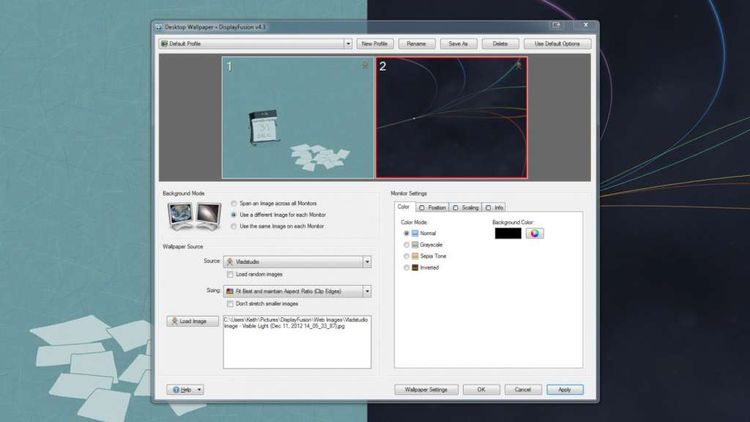
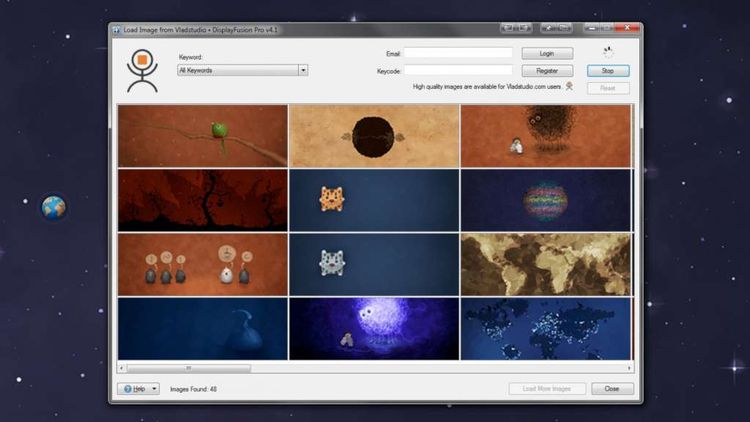
使用来自 WallpaperFusion、Flickr、InterfaceLIFT、Vladstudio 等网站的多显示器壁纸自定义您的桌面。您可以随心所欲地平铺、拉伸、缩放、裁剪、定位和调整图像色调。

多显示器任务栏
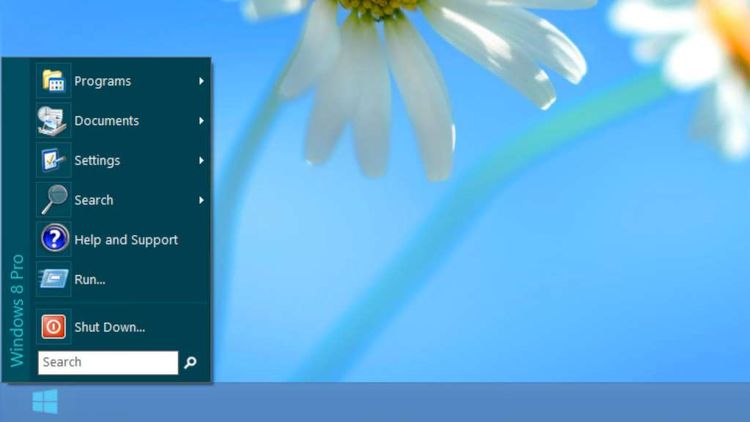
通过在每个显示器上添加任务栏,轻松整理您的窗口。每个显示器上的任务栏都可以配置为显示所有窗口,或仅显示位于该显示器上的窗口。利用按钮分组、自动隐藏、窗口预览、快捷方式(固定应用程序)等功能,您可以更轻松地管理应用程序窗口。每个任务栏都可以拥有自己的自定义快捷方式集。DisplayFusion 任务栏上的元素也可以根据您的喜好进行自定义,包括“开始”按钮、任务栏按钮和时钟/系统托盘的位置。

可自定义功能和标题栏按钮
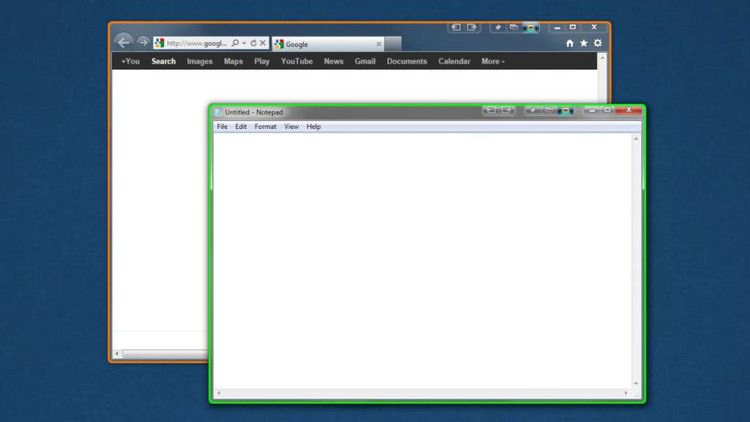
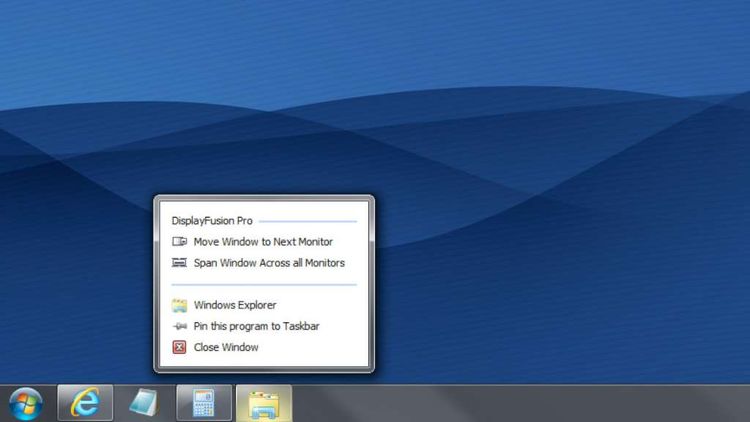
DisplayFusion 内置 30 多个预配置功能,您也可以创建自己的强大自定义功能。您可以创建功能来加载壁纸或显示器配置文件、移动窗口、更改窗口透明度、切换 DisplayFusion 功能等等。任何功能(包括您创建的自定义功能)都可以分配给标题栏按钮,以便使用鼠标轻松访问,或者分配给键盘快捷键,方便键盘高手使用。此外,您还可以将功能分配给 DisplayFusion 多显示器任务栏上的跳转列表菜单,即使在应用程序最小化的情况下也能运行这些功能。