Products
:( Sorry. No results.
Please check your spelling, use the advanced search or explore the homepage.
Welcome home, player!
By clicking Continue with Google or Facebook, you agree to G2Play's Terms & Conditions and Privacy Policy, also to NFT Terms & Conditions and NFT Privacy Policy.

Bvckup 2 Personal Key
Special license for individuals using software on their personal computers to manage their personal data for non-commercial purposes only.
Simple fast backup
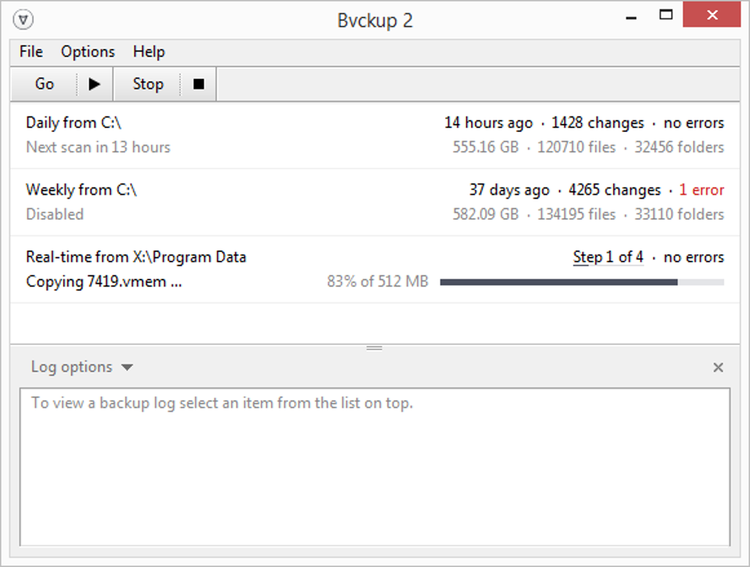
Select a pair of folders and Bvckup 2 will make sure that one stays an exact copy of the other. It is light, uncomplicated and really well designed. It is also incredibly fast.
What's different
Speed
Complete backups faster
The app is very fast at bulk copying and it is even faster at updating.
Extensively optimized across the board Bvckup 2 goes out of its way to process every backup as quickly as possible.
Focus
It does just one simple thing...
The app does not compress, encrypt or FTP files. It's not a two-way sync nor does it come with a restore function.
It does just one thing - it mirrors A to B.
Polish
...and it does it really well
It's better to excel at one thing than to be average in many.
From the nuanced user interface to the high-performance core, the app is built to always favor quality over quantity.
Features
Features at a glance
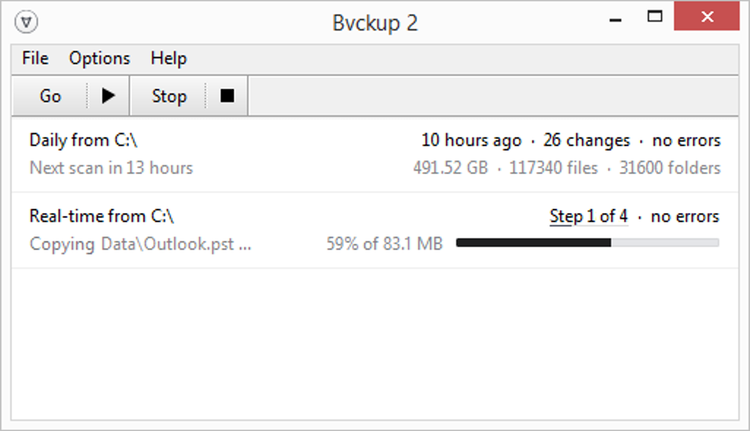
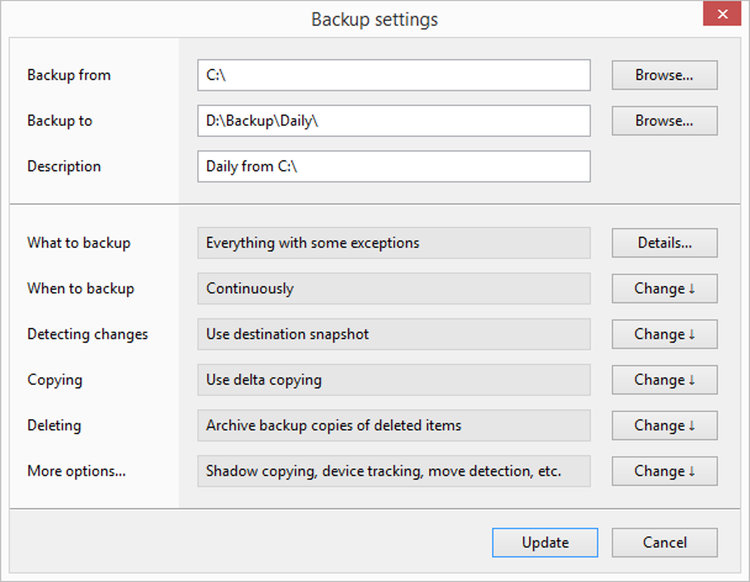
- Real-time backups
Continuously monitor for changes and back them up as soon as they happen. - Scheduled and manual
Run backups at fixed time intervals or only when started manually.
Performance
- Asynchronous I/O
Eliminate idling during data transfers by having multiple read and write requests running in parallel. - Delta copying
Reduce the amount of data being moved around by copying modified parts of files only. This speeds things up, in many cases dramatically. - Multi-core processing
Speed things up by running computationally intensive tasks such as data hashing on all CPU cores, but scale back when computer is under load. - Move/rename detection
Detect files and folders being moved at source and replicate this as a single quick operation on the backup side. - Destination snapshots
Avoid re-scanning backup location on every run by scanning it once and saving its file index locally.
Essentials
- Device tracking
Pin a backup to a specific removable device so that it will be run only when this device is present. - Backup of locked files
Use Windows shadow copying to backup files that are locked for exclusive use by running programs such as web browsers or email clients. - System service mode
Switch program to run as a system service to allow backups to continue running even when there's no one logged in. - Archiving of deleted items
Move backup copies of deleted items into a special archive directory and delete them from there after a grace period.
More
- Very large backups
Bvckup 2 has been tested with multi-million item backups and, while they naturally require more memory for processing, they can still be handled with ease. - Concurrent or serialized
The app can run backups one by one, forming a queue, or it can run them as soon as they are due, all at once. And, of course, a backup may also be started manually at any time. - Backup planner
When running a backup, Bvckup 2 always compiles a formal backup plan that can be inspected without being executed if a "dry run" is required. - Native 64-bit support
Installation package includes both 32- and 64-bit versions of the program, selecting an appropriate one to install automatically. - Minimal dependencies
The app works with low-level Windows API and has no dependencies on WMI, COM or system services outside of shadow copying. It also stores all its configuration on disk, in a single directory. - Software update reminders
In addition to being able to check for updates automatically, Bvckup 2 has an option to remind you to check for updates by hand. - Maintenance releases
- Volume discounts
- Email support
- Excluding technical support for advanced features meant primarily for professional use (features themselves are included).