start typing to searchSee all
Products

:( Sorry. No results.

Please check your spelling, use the advanced search or explore the homepage.

      Welcome home, player!

      By clicking Continue with Google or Facebook, you agree to G2Play's Terms & Conditions and Privacy Policy, also to NFT Terms & Conditions and NFT Privacy Policy.

      New to G2Play?
      Sign up now!
      • FAQ
      4.7
      (3 Reviews)
      Platform
      Steam
      Steam
      Steam

      Hedon - Extra Thicc Edition Upgrade DLC PC Steam CD Key

      Sold by
      MGG Studio
      97.83% of 380668 ratings are superb!
      Your transaction is secure
      We're working hard to protect the security of your payments. We have a dedicated Fraud Prevention and Response Department working 24/7 to ensure safe transactions. We have implemented custom systems to screen out potential scammers and we have partnered with Ravelin, one of the world's best fraud prevention platforms. We don't share your payment details with third-party sellers and we don't sell your information with others.
      Key activation
      notes
      Languages
      Recommend this game and earn€1.03or more per sold copy.Join in 3 minutes
      Requires the base game Hedon Bloodrite on PC Steam in order to play.
      Release date: 11/02/2022

      A small bonus DLC for those who want to show the developer additional support!


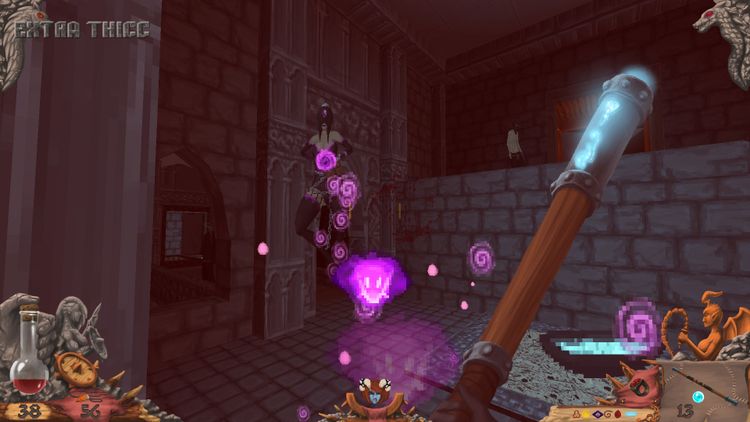
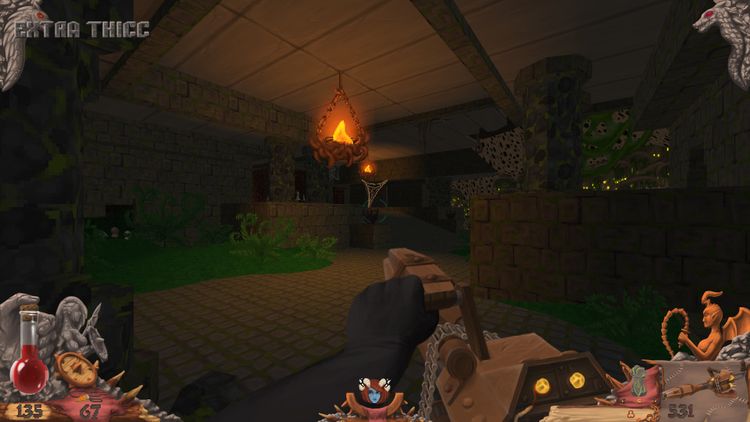
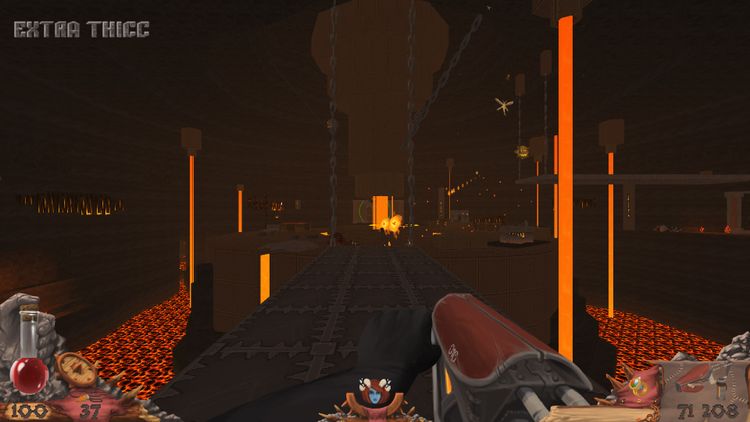
      You get a whole bunch of goodies including wallpapers, avatars, the soundtrack and a special in-game cosmetic HUD designed in the style of an old school dungeon crawler!

      IMPORTANT: for the DLC to apply, you need to perform a reinstall of the game. If your game is not up to date to the most recent version, it will also update, which can cause your saves to become incompatible. Make sure to back your game folder up before you reinstall.
      After re-downloading the game, you can find the goodies inside the "Extra Thicc Goodies.zip" archive inside your main game folder.

      The Thicc HUD can be configured from Options - HUD Options or dynamically turned on/off in-game with the "-" and "=" keys (or whatever keys you have set for increase/decrease display size in Options - Customize Controls - Other).